

1. On Scopus Author Profile interface, select [Edit profile]. You will be prompted to sign in first if you have not already done so.

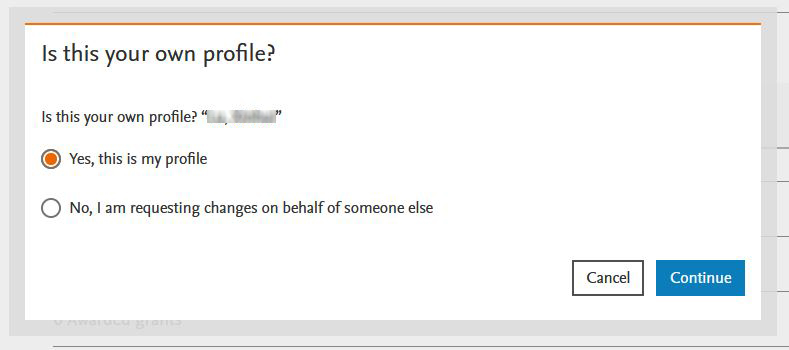
2. Select the suitable option and click [Continue].
3. Click the arrow icon [ ] to expand the Document list.

4. Click [Remove from profile] if you want to delete the publication from the Profile.

5. Click [Review change]. You may submit multiple changes and then review and submit them in one go.

6. Click [Submit request] to complete the submission.


